Manual vs Digital Grocery Store Management: Key Differences and Benefits
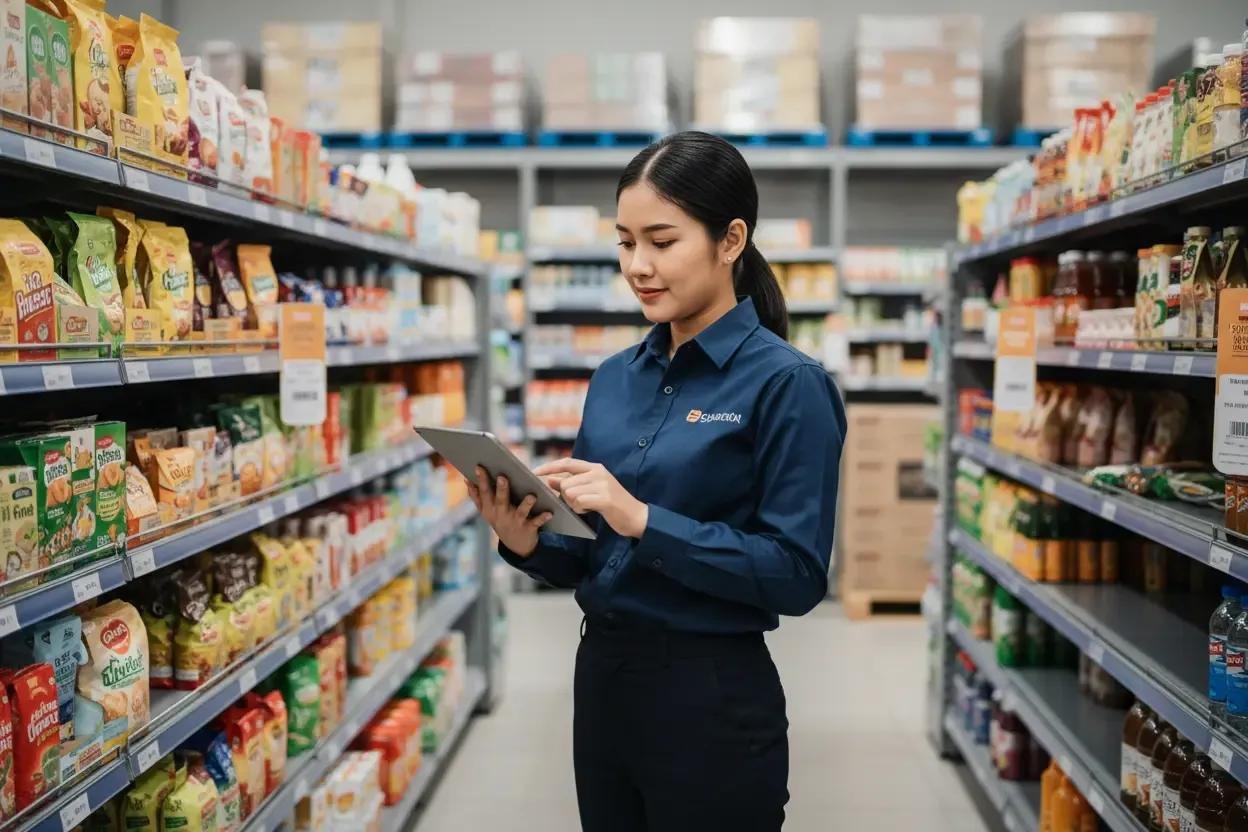
A grocery store may receive orders through phone calls, WhatsApp messages, and direct customer visits. Keeping track of these orders while checking stock, updating prices, and arranging deliveries isn't always easy.
As customer demand increases, these everyday tasks can take more time and lead to mistakes.
Digital grocery store management offers a more practical way to organize orders, manage product information, and coordinate daily activities without relying entirely on manual work.
Where Manual Grocery Management Falls Short
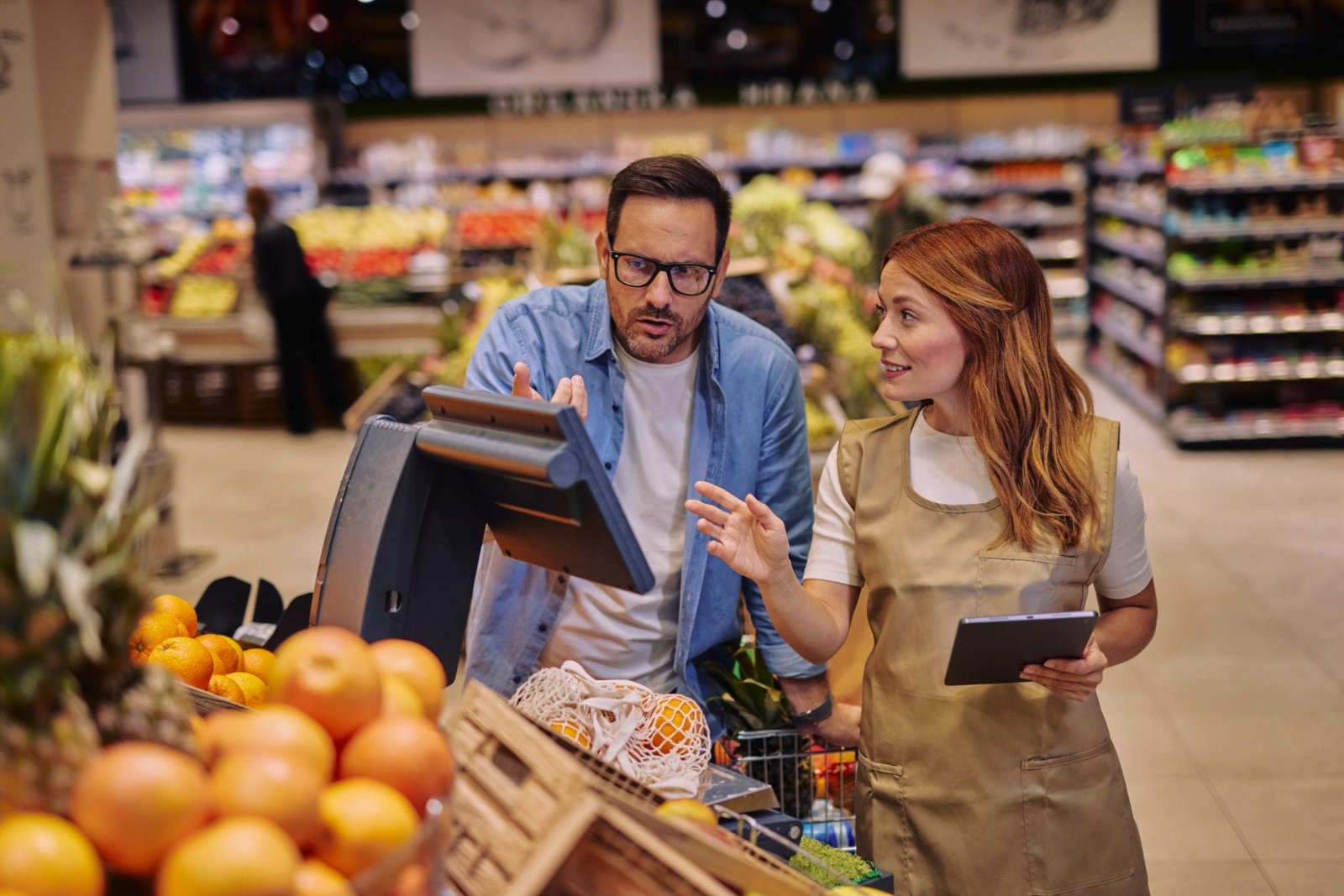
Consider a grocery shop receiving multiple orders during its busiest hours. One customer calls to change an item, another asks about stock availability, and a third wants an update on their delivery.
Employees must keep track of these requests while serving customers in the store.
This can lead to:
- Order confusion: Changes or special instructions may be overlooked.
- Stock mismatches: Available quantities may not match recorded information.
- Pricing mistakes: Different customer rates can be difficult to maintain manually.
- Delayed fulfillment: Orders may take longer to prepare when priorities are unclear.
The problem is not always the number of orders. It is often the lack of a consistent process for managing them.
Manual vs Digital Grocery Management: Key Differences
The main difference is how information moves through the business.
Order Management
Manual: Employees record customer requests through notebooks, calls, or messages.
Digital: An online grocery ordering system captures product selections, quantities, and customer details in a structured format.
Inventory Visibility
Manual: Stock information depends on physical checks and regular spreadsheet updates.
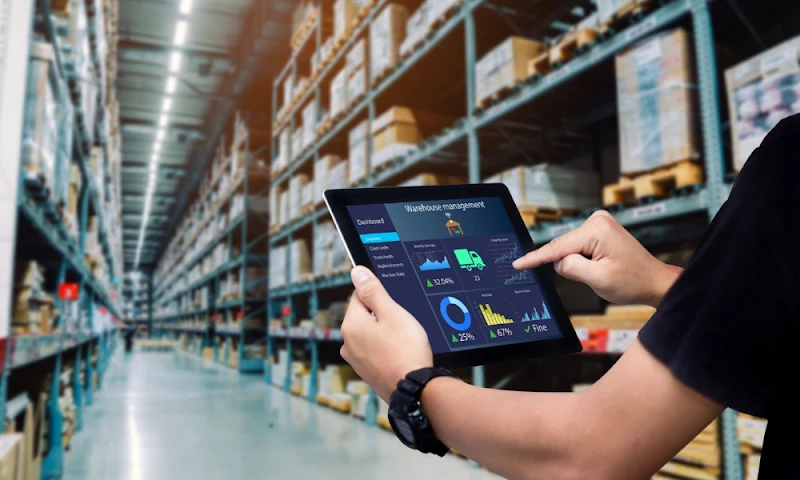
Digital: Inventory management tools provide a clearer view of recorded stock levels when product movements are updated accurately.
Customer Pricing
Manual: Retail prices, wholesale rates, and discounts may require separate calculations.
Digital: Platforms with flexible pricing rules can manage different rates for retail and wholesale customers more consistently.
Delivery Coordination
Manual: Delivery arrangements often require individual calls and confirmations.
Digital: Delivery slot scheduling allows customers to select available delivery windows, helping stores plan their workload.
Moving from Manual Processes to Digital Ordering
Retailers do not need to change every existing process immediately.
A practical starting point is identifying the tasks that consume the most time.
For example, a grocery shop receiving long shopping lists through WhatsApp could introduce an online storefront where customers select products and quantities themselves.
Before making the switch, businesses should focus on a few essentials:
- Organize product names, prices, and categories.
- Review existing stock records.
- Train employees to process online orders.
- Decide how deliveries and order collection will work.
Starting with these basics can make the transition smoother for employees and customers.
GoSlot Store for Grocery Retail and Wholesale Ordering
GoSlot Store provides an online grocery ordering platform for retailers, supermarkets, and wholesale businesses.
It supports grocery-specific ordering requirements through features such as:
- Online grocery storefront
- B2B and B2C pricing options
- Bulk and fractional quantity ordering
- Delivery slot scheduling
- Centralized order management
For businesses serving both households and commercial buyers, these features help create a more consistent ordering process.
Choosing a System That Fits Your Store
A neighborhood grocery shop and a wholesale distributor may have different requirements.
A smaller retailer might prioritize simple online ordering and convenient delivery options. A wholesale supplier may need customer-specific prices, larger order quantities, and support for repeat purchases.
Before selecting grocery management software, consider your customer types, daily order volume, existing operations, and plans for expansion.
Choose a system that supports the way your store works rather than introducing features you may never use.
A More Organized Way Forward
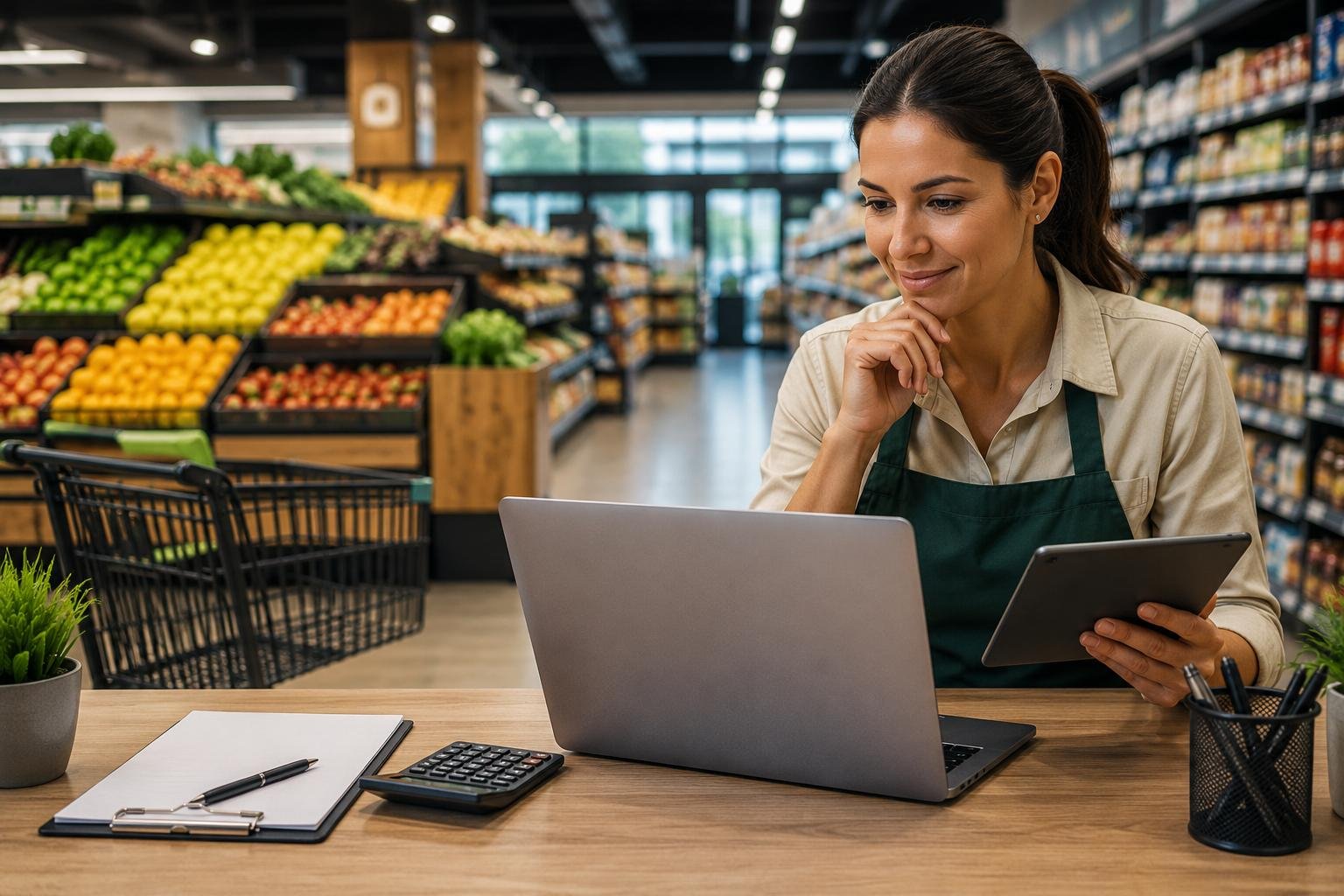
Moving to digital grocery management is not simply about replacing notebooks with software. It is about making everyday tasks easier to handle as customer needs change.
A suitable platform can help retailers establish a clearer ordering process while keeping their operations manageable.
Planning to bring your grocery business online?
Explore GoSlot Store to learn more about online grocery ordering for retail and wholesale businesses.
ready to automate your grocery orders & delivery slots?
GoSlot Store equips supermarket chains and wholesale distributors with scheduled delivery capacity windows, automated wholesale tiers, and zero sales commission.